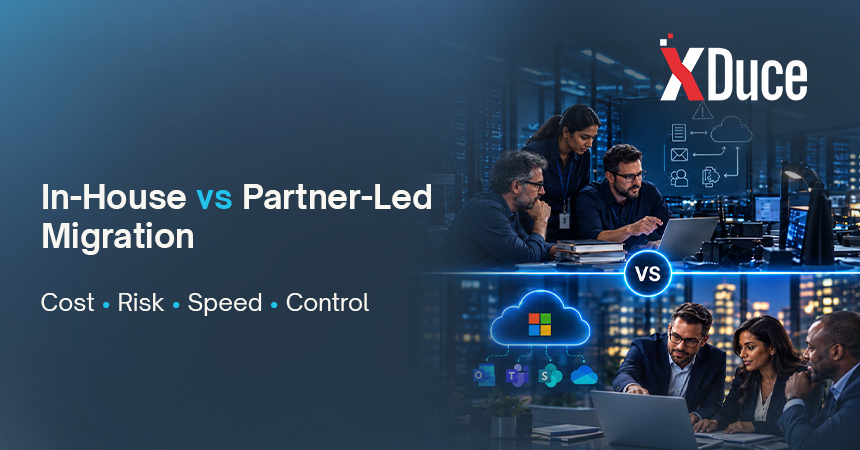

Every mid-market IT leader eventually faces the same question: do we run this Microsoft 365 migration ourselves, or bring in a partner? It sounds like a budget decision, but it is really a decision about risk, capacity, and what your team should spend the next six months doing.
This article compares both models honestly, including the situations where doing it yourself is the right call. If you want the full picture of what a migration involves first, start with our pillar guide on Microsoft 365 migration services.
The Short Answer
In-house migration works best when your environment is simple, your team has done this before, and the business can tolerate a slower timeline. Partner-led Microsoft 365 migration services work best when the environment is complex, security and compliance stakes are high, or your team cannot step away from daily operations.
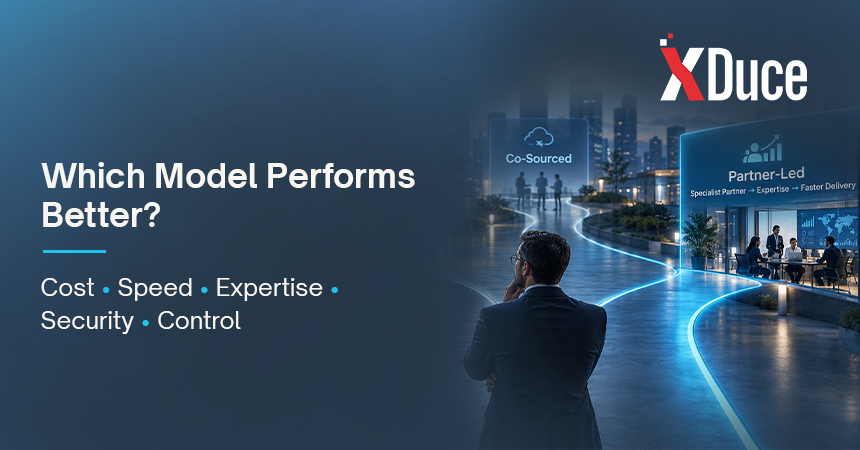
Many mid-market organizations choose a third path, a co-sourced model, where a partner leads design and risk-heavy work while internal staff handle the rest.
What Each Model Actually Means
In-house migration means your own IT staff plan and execute the move using Microsoft’s native tools and documentation. You own every decision and every outcome, including problems that surface after go-live.
Partner-led migration means a specialist firm leads discovery, design, execution, and often adoption, while your team stays involved as the owner of business context. This is the typical engagement when you hire a Microsoft 365 consultant for end to end delivery.
Co-sourced migration splits the work. A partner might own architecture, identity, security, and the pilot, while your administrators run later waves under the partner’s guidance and playbook.
Side by Side Comparison
| Factor | In-House | Partner-Led |
|---|---|---|
| Upfront cost | Lower direct spend, since staff time is already on payroll | Higher direct spend through project fees |
| True total cost | Often higher than expected once delays, rework, and lost productivity are counted | More predictable when scope is fixed |
| Speed | Slower, because daily operations compete for the same people | Faster, with dedicated resources and a tested method |
| Specialized expertise | Limited to what your team has already done | Broad exposure across many migrations and edge cases |
| Security and compliance setup | Depends heavily on internal depth | Built into the method, including identity and data protection |
| Risk of downtime or data issues | Higher on first-time projects | Lower, with pilots, rollback plans, and validation |
| Control and decision making | Full control | Shared, with the partner advising and executing |
| Knowledge retained by your team | High, since staff do the work | Depends on how well the partner documents and trains |
| Capacity for daily operations | Strained during the project | Largely protected |
| Post go-live support | Internal only | Optional managed support available |
No column wins every row. The right model depends on which rows matter most to your business.
When In-House Makes Sense
Doing it yourself is a reasonable choice when most of these are true:
- Your user count and data volume are modest, and the environment is simple.
- Your team has completed a Microsoft 365 or Exchange Online migration before.
- You have strong internal skills in identity, mail flow, and security configuration.
- The timeline is flexible and a slower pace will not hurt the business.
- Compliance requirements are light, or a separate team already owns them.
- You can genuinely free people from daily tickets for the length of the project.
That last point is where many in-house plans quietly fail. The project is scheduled as a side task, and then the help desk, a security incident, and a budget cycle all land in the same month.
When Partner-Led Wins
A partner usually pays for itself when one or more of these apply:
- Complex source environments. Multiple domains, legacy file shares, hybrid Exchange, or an acquisition that left two tenants to merge.
- Regulated data. Healthcare, financial services, and public sector organizations need retention, auditing, and data protection configured correctly from the start.
- Tight timelines. A lease ending, a hardware refresh, or a merger deadline leaves no room for a learning curve.
- Thin internal bench. Your team is strong but small, and nobody can be dedicated to the project.
- Broader transformation goals. If migration is the first step toward digital workplace transformation, a partner can design the target workplace while the data moves, instead of forcing a second project later.
- Adjacent systems. If your plans also include CRM or ERP modernization, partners that offer Dynamics 365 consulting services can align identity and data decisions across both.
A Microsoft Office 365 consultant also brings pattern recognition. Having seen where permissions break, where mail flow surprises appear, and where users push back, they plan around problems your team has not met yet.
The Hidden Costs of Each Model
Neither option is free of trade-offs. Look at what each one quietly costs.
Hidden costs of in-house:
- Delays that stretch the project and extend the period of running two environments
- Rework when permissions, mail routing, or integrations are discovered late
- Opportunity cost, because your best engineers are not doing anything else
- Security gaps from default settings that nobody had time to harden
- Burnout in a small team that carries the project and production at once
Hidden costs of partner-led:
- Scope creep if the statement of work is vague
- Knowledge walking out the door if documentation and handover are weak
- Dependence on the partner for questions your team could have learned to answer
- A poor fit if the partner lacks mid-market experience or a clear method
Both lists are manageable with good planning. The point is to price them in rather than compare a partner quote against a number that only includes salaries you already pay.
The Co-Sourced Model: Often the Best of Both
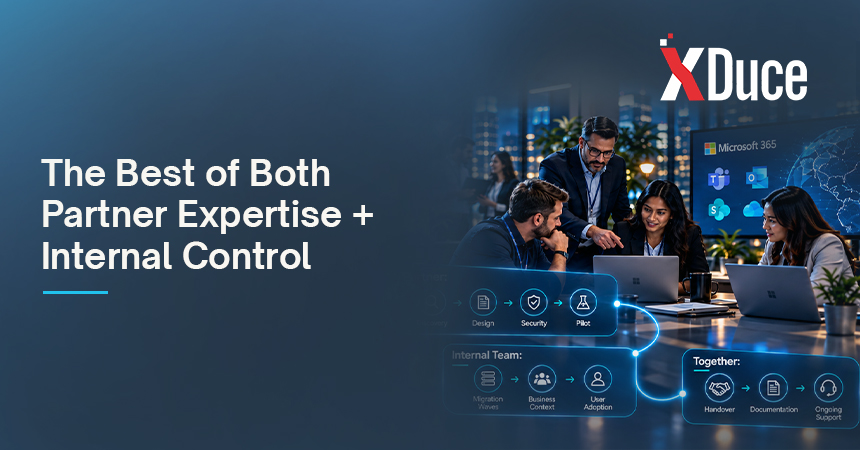
For many mid-market organizations, the strongest option is neither extreme. In a co-sourced engagement:
- The partner runs discovery, design, and the security and identity foundation.
- The partner leads the pilot and documents the runbook.
- Your administrators execute later waves using that runbook, with the partner on call for escalations.
- Together you handle adoption, with the partner supplying training material and your team supplying business context.
- Ownership transfers cleanly at the end, with documentation and, if you choose, ongoing managed IT support.
This approach controls cost, protects the high-risk phases, and leaves your team more capable than when you started.
A Practical Decision Checklist
Answer these honestly before you decide:
- Has anyone on our team completed a migration of this size and complexity?
- Can we dedicate named people to the project without neglecting daily operations?
- What happens to the business if cutover fails or is delayed by a month?
- How sensitive is the data, and what do auditors or customers expect from us?
- Do we have the skills to configure identity, conditional access, and data protection correctly?
- Are we planning workplace redesign or other platform changes alongside the migration?
- Who will support users and the environment after go-live?
If most answers are a confident yes, in-house is viable. If several are no or not sure, bring in a partner for at least the design, security, and pilot phases.
Key Takeaways
- In-house migration lowers direct cost but raises schedule and risk exposure, especially on a first project.
- Partner-led migration adds expertise, speed, and protection for daily operations, at a higher visible price.
- A co-sourced model gives many mid-market teams the best balance of control, cost, and capability.
- Compare total cost, including delays, rework, and downtime, not just invoices.
- Whichever model you choose, insist on documentation, a pilot, and a rollback plan.
Frequently Asked Questions
Usually the direct spend is lower, because you are not paying project fees. The total cost can end up higher once you include extended timelines, rework, productivity loss, and the work your team is not doing while it runs the migration. A fair comparison counts all of it.
Yes, and many organizations do. The best time to add a partner is early, for assessment and design, because that is where mistakes are cheapest to prevent. Bringing someone in after a failed wave is possible, but you will pay to untangle decisions that were already made.
You need solid experience with Exchange Online and hybrid mail flow, identity and access management with Microsoft Entra ID, SharePoint and OneDrive structure, security and compliance configuration, and project management. You also need someone to lead user communication and adoption, which is often overlooked.
Partner-led projects tend to move faster because dedicated resources and a proven method reduce idle time and rework. In-house timelines depend on how much capacity your team can protect. Either way, discovery should set the real schedule, so be cautious about any date promised before it.
Pause, assess, and use your rollback plan. This is why pilots and wave-based migration matter, since problems stay contained to a small group. If your team is stretched, a partner can step in to stabilize the project, correct the design, and resume. Our overview of o365 migration services explains the phases that make recovery easier.

Related Blogs